A mix between Proxmox, Oracle Linux and Docker, my new Homelab
22 March 2026
Disclaimers: I really tried to write this with AI, but the slop was too much. So this was written like a caveman; I hope you enjoy it!
I've been into self-hosting for a couple of years, mostly running Raspberry Pis 24/7 on my network. Why? As a 90s kid, I've hoarded a lot of music, videos, films, and photos that I prefer to host myself due to space (> 2 TB), privacy, and costs.
Along those lines, my self-hosting procedure looked like this over the years:
- Buy a low powered device capable of running 24/7 without breaking the bank
- Install a Debian-based distro (which is common in the Raspberry Pi community)
- Connect via USB one big SSD
- Bootstrap services here and there with apt and config-file wrangling, services like
a. MiniDLNA
b. SMB Server
c. Nextcloud
d. Pi-hole
e. Tailscale
This was enough for a couple of years, and I lived through the transition Pi 2 -> Pi 3 -> Pi 4, until I reached a breaking point.
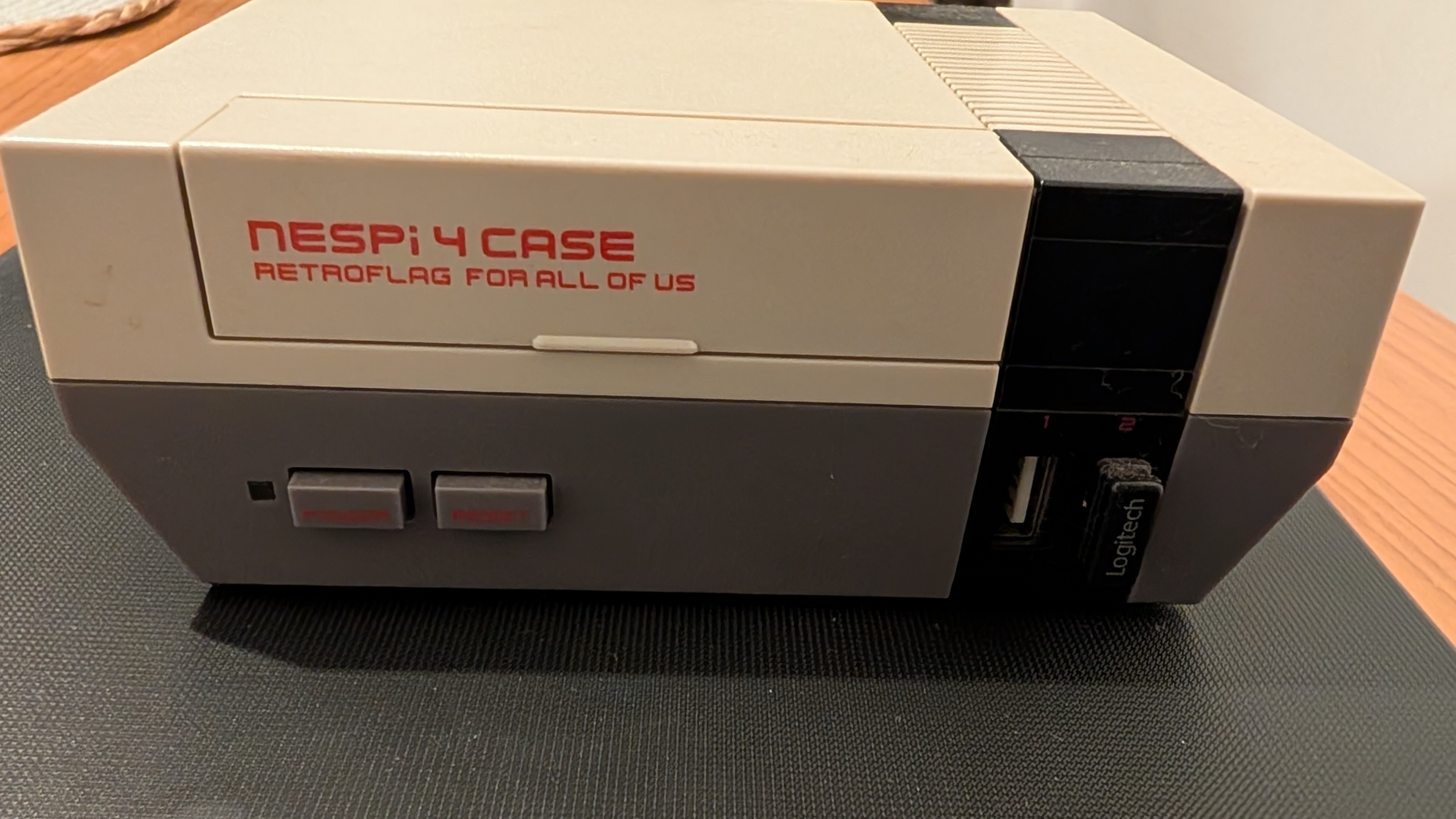
Although I like the case I chose for my last Raspberry Pi (the Nespi case), most of the time I ended up buying some kind of fan because the CPU gets really hot, and those fans broke once per semester and/or made a lot of noise. The Pi was the obvious choice because of the power vs. energy vs. price balance it offered. However, that balance was lost with the Pi 5.
From ARM to x86_64
As a self-hoster, I was quite aware of a trend in the community around the Intel N100, which finally delivered a capable and energy-efficient x86_64 processor. So, as time passed, it became the obvious choice since I didn't really use the GPIO pins on the Raspi; I'm far from a maker.
All in all, I took a brief detour from my family vacation and went to Paraguay, which has the biggest electronics market in LATAM, to get a cheap and lovely N150 machine capable of running my homelab, specifically a Blackview MP60.
This little machine included:
- 16 GB of RAM
- An NVMe SSD with 512 GB
- An SSD caddy via USB-C
- Two regular USB 2.0 and two regular USB 3.1 ports
And I added:
- A main 2 TB storage 2.5" SSD inside the caddy. A RAW space directly attached to an Oracle Linux VM
- A backup 512 GB 2.5" SSD using an external caddy. This was to isolate my backups.
Approaching the server as a software engineer
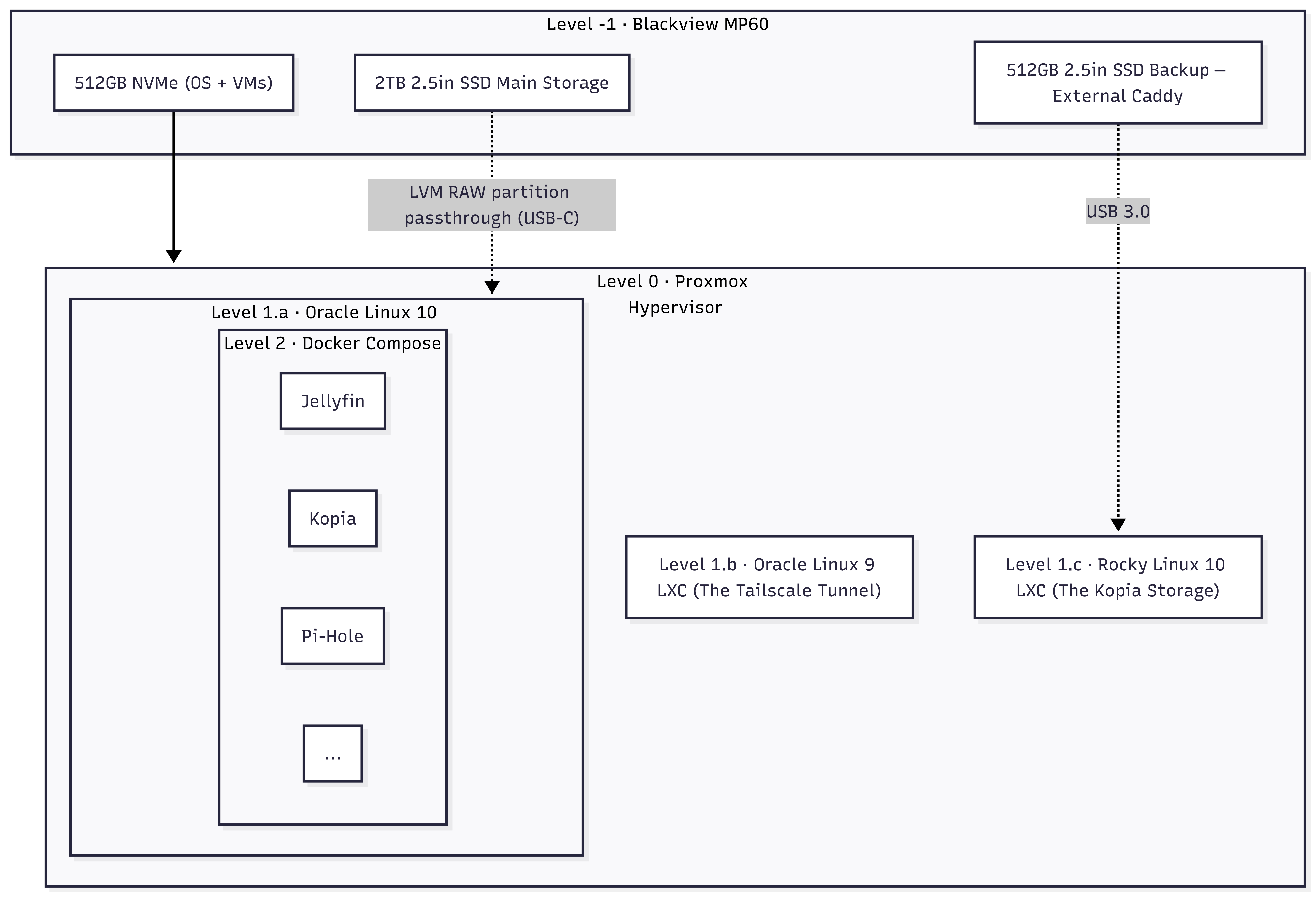
In my day job I do tons of DevOps work, but I never tried to approach my homelab like IaC. However, it was time to get serious. I made some design choices and landed on the following abstraction layers:
- Level -1: The MP60 machine
- Level 0: A hypervisor with Proxmox, which among other things allows KVM virtual machines and LXC containers, and is giving a good fight to other virtualization platforms.
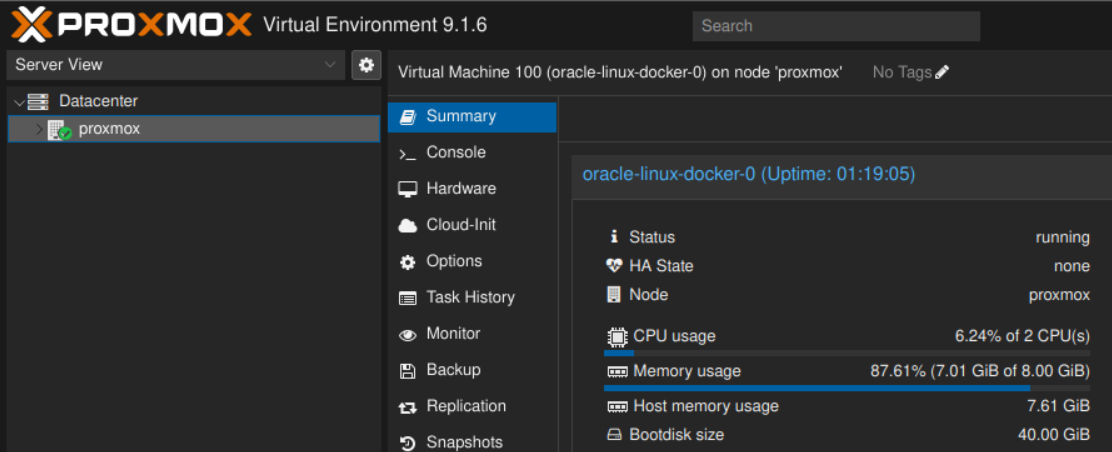
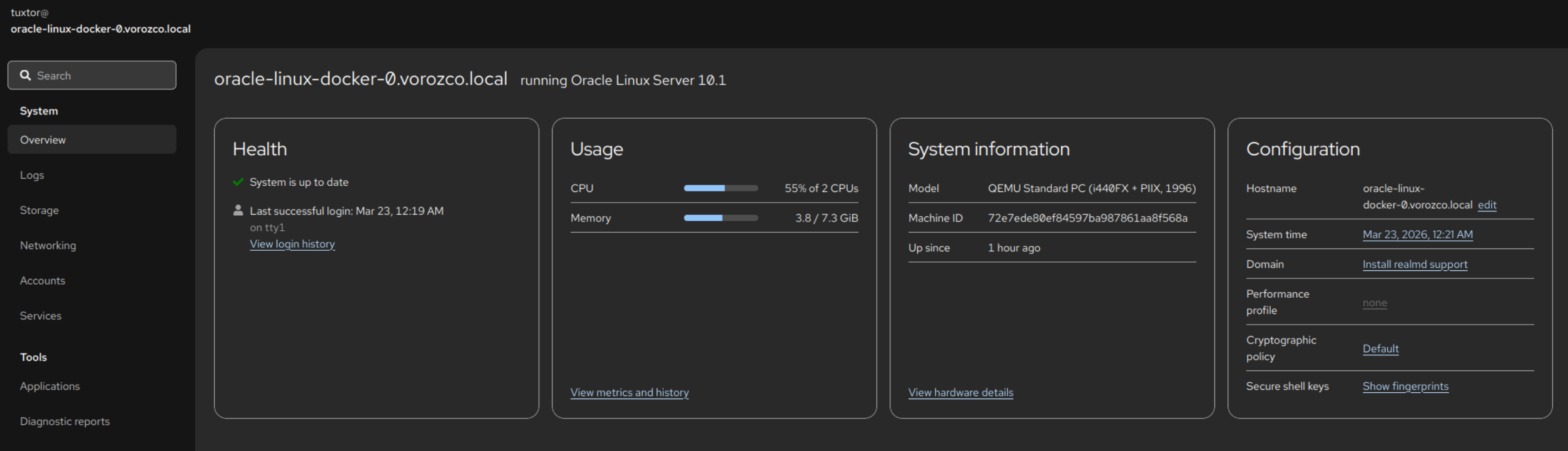
- Level 1.a: The Docker House. As suggested by Proxmox staff, whenever you run Docker containers, it is preferred to run them inside a VM host. For this I chose Oracle Linux 10, which is free to use, particularly stable, and a well-known OpenELA supporter.
- Level 1.b: The Tailscale Tunnel. An Oracle Linux 9 LXC container acting as a Tailscale exit node. Hence, I'm able to reach my local network while on the road.
- Level 1.c: The Kopia storage. A Rocky Linux 10 LXC container, running nothing. Just a pure SSH server to isolate the access to the external SSD
- Level 2: Inside the Docker House. I run my services using Docker Compose files, including
To deploy this into the Docker House I also deployed a Github Actions self-hosted runner, which allowed me to create a deployment pipeline with the same tools I use daily, and evend assign the Compose creation to AI Agents (which contrary to writing this article, work really well).
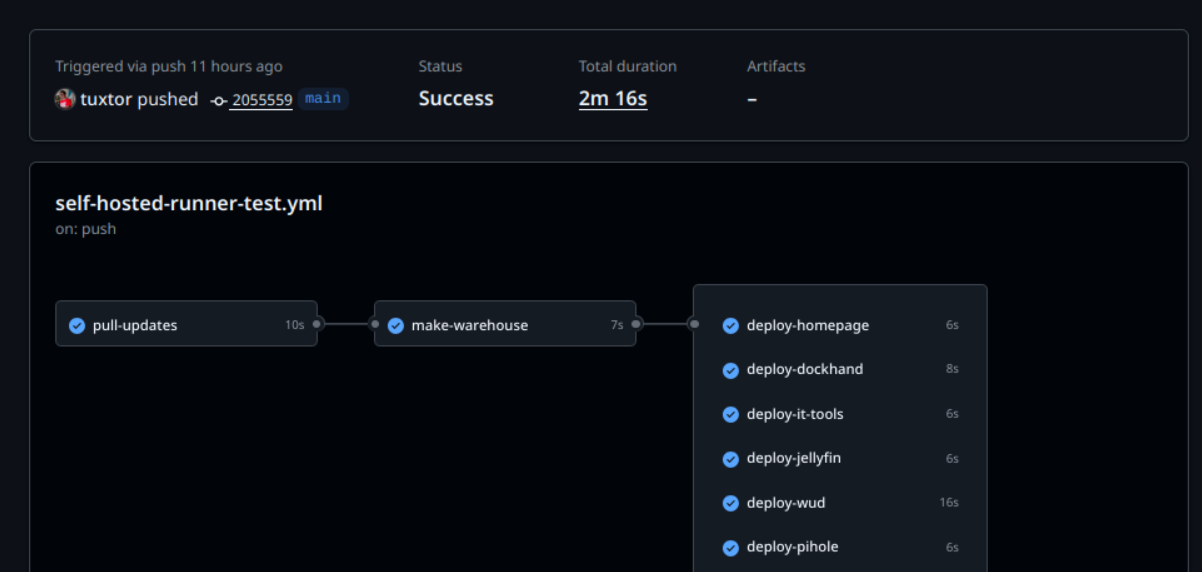
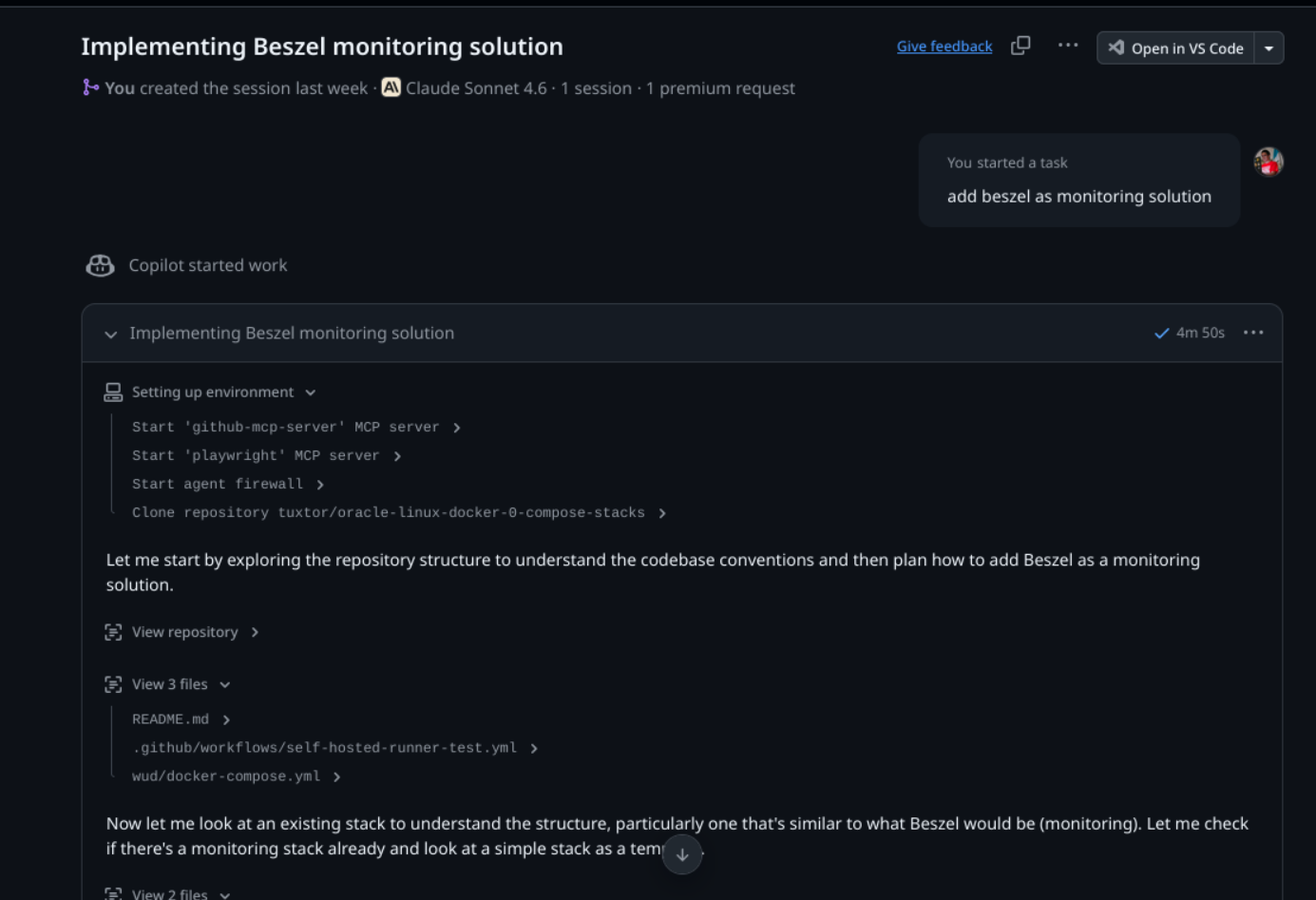
In that line, once I bootstrapped a couple of stacks + a quite tailored GitHub Copilot skill ... I created the reset of deployment descriptors with GitHub Copilot sessions. This is the true power of IaC + AI
Docker vs. LXC vs. VM
One of the things that took me a while to understand was the difference between LXC containers and OCI (Docker) containers. To be honest, until this experiment I wasn't very aware of the LXC ecosystem.
So, quoting myself
- A VM is exactly that: a whole machine running over a hypervisor (in Proxmox KVM). For this I chose Oracle Linux 10 because I tend to prefer EL distros.
- An LXC is a container that isolates the memory space of a whole Linux system (including userland). Think of it as a lightweight-ish virtual machine. Again, I chose EL distros, specifically Oracle Linux and Rocky Linux.
- An OCI (Docker) container is a container that isolates the memory space of a Linux system (including userland), focused on providing an environment for a single process.
So, why Debian, Oracle and Rocky Linux? Let's find out.
A Debian bedrock
In the past I've used other hypervisor platforms like OpenNebula, pure Xen, bare-bones KVM, and vSphere with various levels of success in production. However, Proxmox was on my radar because it popped up from time to time in the Linux blogs I follow. Actually I wanted to try it a long time ago, but my previous homelab lacked the raw power to run it.
With Debian as basis, Proxmox became a Reddit community favourite to create self-hosted home labs. Which, after running it for three months, I finally get it. SREs and domestic sysadmins love Proxmox because ...
- It is easy to set up: just boot an installation pendrive, allow it to take a whole disk, and that's pretty much it
- It has various "batteries included" features, like a hypervisor firewall, backup automation, LVM-thin pool provisioning, ZFS support, cluster capabilities, Ceph, ... , all in a very intuitive user interface
- It doesn't need a beefy server to run; again, I'm using an N150 machine in a mini-PC form factor
- Eventually I can buy and join other nodes (maybe for another Paraguay travel)
- There is a community Terraform provider. So more IaC!
The battle of OpenELAs
Once I confirmed the Proxmox team advised running containers inside a VM, I decided to create a Docker server where I would deploy my services using plain old Docker Compose files. As in the the underlying layer, I wanted something easy to manage, rock-solid enough to forget, and familiar with my day-to-day cloud operations.
Hence the next step was to pick an Enterprise Linux.
What is an Enterprise Linux, BTW? Enterprise Linux is a generic name given to Linux distributions that derive in some way from Red Hat Enterprise Linux source code, with CentOS being the most famous. It was for a while the de facto downstream Linux distribution of Red Hat... until it was EOL'd by Red Hat.
Not long after that, various communities and companies stepped up to fill the niche left by CentOS, creating free (as in free coffee) Linux distros with optional support plans, to name a few:
- Alma Linux (with support via TuxCare)
- Rocky Linux (and Rocky Linux supported by CIQ)
- Oracle Linux
- OpenEuler
- SUSE Liberty Linux (which later became SUSE Multi-Linux Support)
Eventually, CIQ, Oracle, and SUSE created a joint effort called OpenELA aiming to provide accessible and buildable sources for the whole community.
Also, since all this exploded, Red Hat also offers a no-cost RHEL for developers subscription.
Do you see the problem? I had all these great options available to create my rock-solid server. Considering these distros are managed with the same tools and principles (package manager/config files/third-party compatibility), I was back at km 0 and had to decide.
This decision wasn't easy, so I had to add another criterion: who had the best logo?
- Who has the best logo? Oracle Linux, of course
- Who has the second-best logo? That's Rocky Linux
And that's how I ended up choosing. The Enterprise Linux ecosystem is a battle-tested environment that just works, and works well.

Is it worth to host your own services?
Yes but not exactly money-wise.
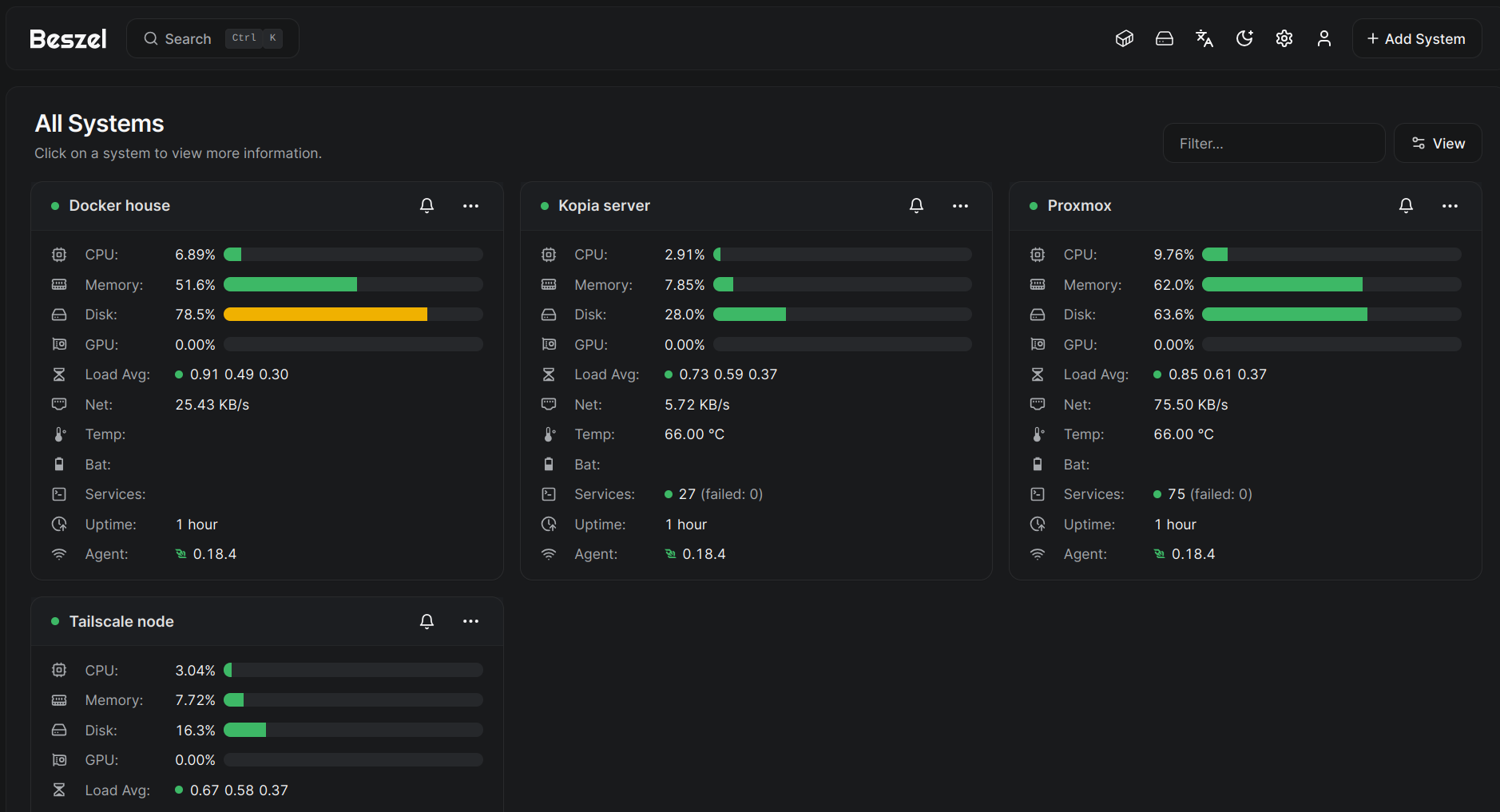
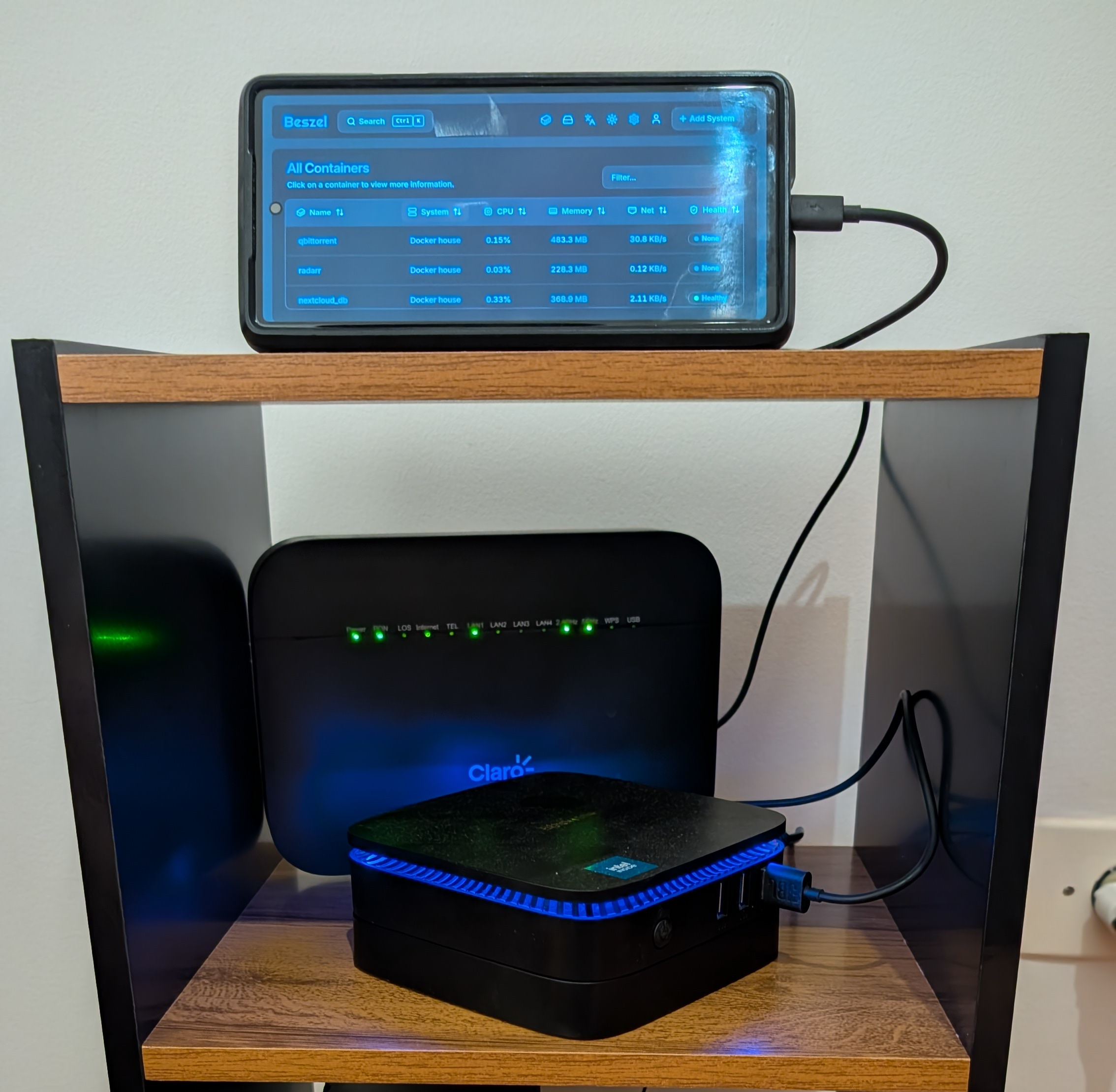
Between the mini-pc, SSD disks, a UPS and a living-room friendly rack I invested almost $600 and my electricity bill increased arround $3 per month. Also, I added an old Android phone as a monitoring gimmick running Beszel in kiosk mode.
Let's say my raw yearly cost is about $ 650, which doesn't account for my hourly rate (you put a number, Java tech lead, working remotely, etc.). If I consider that, this whole project is a cash-burner vs. just buying subscriptions.
However, I truly own my data in this way, and most importantly, not everything needs to be a VC backed idea. Part of life is having hobbies that help you to grow, and my whole carrer is a product of this type of hobbies, so blame me for having fun.